
Windows installer error 1001: service already exists
Symptom
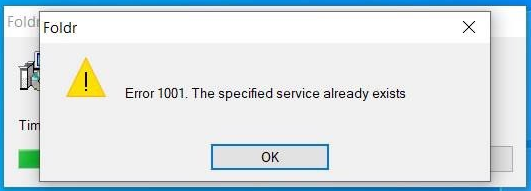
The Foldr for Windows installer halts mid-way with:
Error 1001: The specified service already exists.
Cause
The installer registers a Windows service called Foldr Service. If a previous version of the app left a registration behind (because of an unclean uninstall, an interrupted upgrade, or a manual removal), the new installer tries to register a service that already exists in the registry and aborts.
Fix
Open an elevated command prompt: Start, type cmd, right-click Command Prompt, choose Run as administrator. Then run:
net stop "Foldr Service"
sc delete "Foldr Service"
The double quotes are required because the service name contains a space.
Reboot the computer once both commands return. Run the Foldr installer again; it will register the service cleanly.
If it keeps recurring
If you see this error every time you upgrade, the uninstall step is leaving artefacts behind. Generate a Windows app support bundle and send it to support so we can identify what’s blocking the clean uninstall.