Browse, edit, share, link, search across SMB, OneDrive, Drive, S3, SharePoint, Box, Teams and more. Permissions inherited from the source, not re-implemented in Foldr.
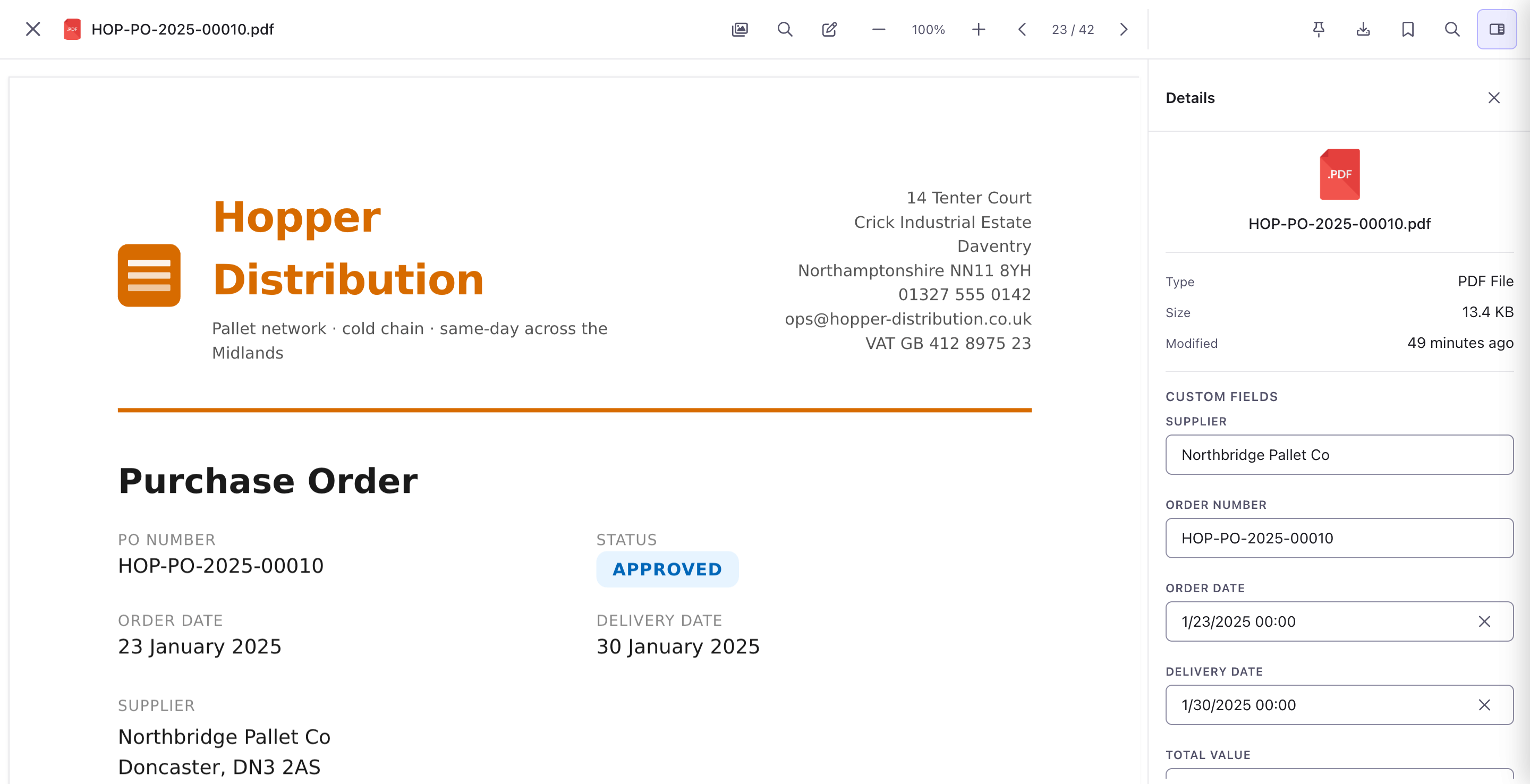
Open a PDF and you’re in Foldr. Annotate, fill custom fields, securely redact. Redactions are real: the content is removed, not painted over. The file stays where it lives.
A connector takes a few minutes to set up. Most read auth from your existing identity provider, so end users don’t see a second login.
 OneDrive
  SharePoint
  MS Teams
  Google Drive Google Shared Drives
  Azure Blob
  S3
S3  Box
Box  Dropbox
  Backblaze B2
  SMB / CIFS
  WebDAV
  FTP / SFTP
  Group Drives
 Don’t see yours? Most niche backends speak SMB, WebDAV or S3 underneath. Tell us what you’re running and we’ll confirm.
Try it free for 30 days, no credit card. Or get in touch about self-hosting.